
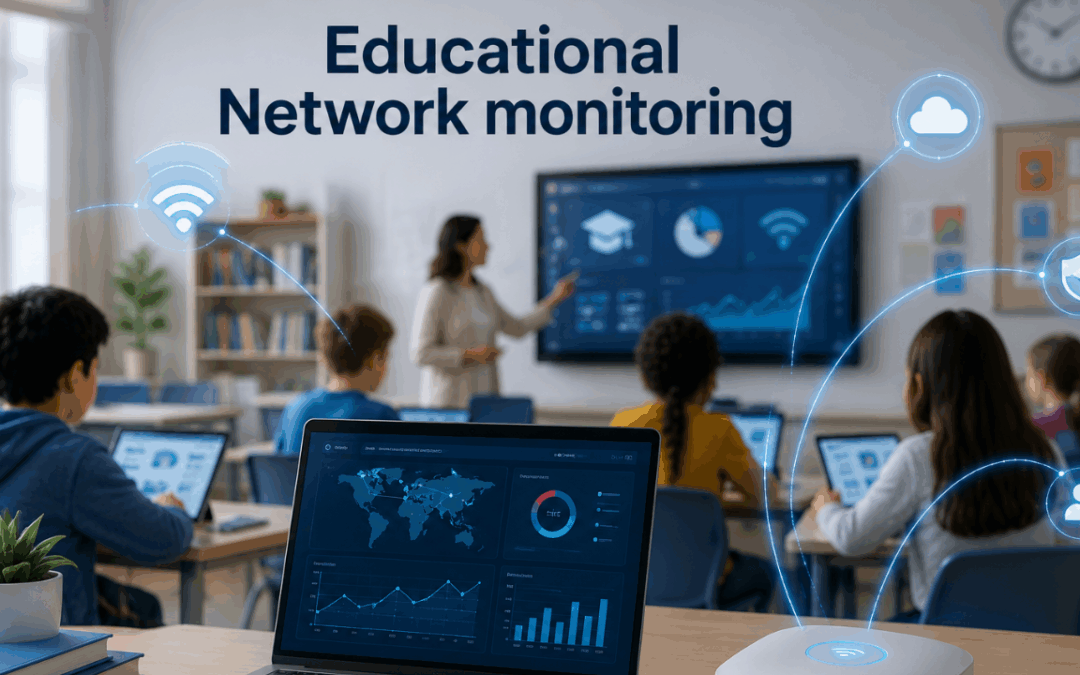
A high school in the middle of a state exam, a university lecture hall full of students streaming a live class, a community college library where two hundred laptops are pulling research papers at the same time. Every one of these depends on a network that has to perform under conditions IT teams in other industries rarely face. Education networks carry video, voice, cloud apps, learning platforms, exam software, smart boards, and tens of thousands of personal devices, often on budgets and staffing levels that would make a corporate IT director uncomfortable.
That is the gap education network monitoring solutions are built to close. They give IT teams the visibility to keep learning systems running when traffic spikes, devices flood the network, and a single misconfigured access point can take an entire wing offline. The market for education network monitoring software has grown quickly over the last few years, but the products vary wildly in what they actually deliver. This guide covers what these solutions need to do, where most fall short, and what to prioritize when evaluating one for a modern learning environment.
Why education networks need their own monitoring approach
Education networks do not behave like enterprise networks. Traffic spikes follow bell schedules and exam periods rather than business hours. Devices on the network change every semester. Users are students who are not trained to report issues through proper channels, which means problems often surface as classroom complaints rather than help desk tickets. Budgets are tighter, staff is smaller, and the cost of downtime is measured in disrupted instruction, not lost revenue.
This is why generic monitoring tools often disappoint when applied to schools and universities. They are tuned for steady corporate traffic, not for the surge that happens when a thousand students log into a learning management system at the same minute. Network monitoring for modern learning systems has to handle this rhythm, alert on the right things, and avoid generating noise during predictable peaks.
The other factor is scope. A K-12 district might run a dozen schools across a region. A university might span several campuses, research labs, dormitories, and remote sites. Education network monitoring has to work across all of them from a single view, or the IT team ends up chasing the same problem in three different consoles.
Core capabilities of education network monitoring software
A solid platform starts with the basics, but the basics matter more in education than people think. Real-time visibility into every switch, router, access point, and server. Automatic discovery so the inventory stays current as new devices appear. Alerts tied to meaningful thresholds rather than every minor blip.
Beyond the foundation, education environments need a few extras. Multi-site dashboards that map the entire district or campus on one screen. Bandwidth tracking by building, classroom, and application. Historical data deep enough to spot patterns across academic terms, not just days. These are the capabilities that turn raw monitoring data into something an IT director can act on.
Most schools start with general-purpose tools and grow into needing a managed network monitoring approach as the environment scales. The shift usually happens when the IT team realizes they spend more time configuring alerts than fixing issues. At that point, the question is no longer which tool to buy. It is who is going to run the monitoring full time.
Wi-Fi and BYOD visibility
Wireless is where most education networks live or die. A modern campus or school district has more wireless devices than wired ones by a wide margin. Each student typically brings two to three personal devices. Add faculty laptops, classroom tablets, smart boards, security cameras, and IoT sensors, and a single building can host thousands of connections at peak times.
Monitoring solutions that only watch the wired side of the network miss most of what actually affects students and teachers. Wi-Fi monitoring needs to track signal strength, channel utilization, client density per access point, and roaming behavior. It also needs to identify dead zones, which are usually the source of complaints that get blamed on the LMS or the cloud app when the real issue is coverage.
BYOD visibility is the other half of this. Personal devices cannot be managed the way school-owned hardware can, but they still need to be visible. Good education network monitoring software shows which devices are connected, how much bandwidth they are using, and whether any are behaving in ways that suggest a security issue or a misconfigured app draining the network.
Performance monitoring for LMS, video, and cloud applications
The applications students and teachers actually use are mostly cloud-hosted now. Canvas, Blackboard, Google Workspace for Education, Microsoft 365, Zoom, learning content libraries, proctored exam platforms. The network team does not control these applications, but they get blamed every time one of them runs slow.
This is where modern learning system monitoring needs to extend beyond the local network. The monitoring stack should watch the path between the school and the cloud provider, measure response times from inside the network, and flag degradation before students start logging tickets. Synthetic monitoring helps here. A scripted login to the LMS every five minutes catches outages and slowdowns long before real users notice them.
When a slowdown does hit, the monitoring tool should make it easy to tell whether the problem is the local network, the internet link, the cloud application itself, or the student’s device. This is also the layer where network bottlenecks tend to surface, usually at the connection between the campus and the upstream provider during peak academic periods.
Security and compliance built into the monitoring stack
Education is one of the most targeted sectors for ransomware and data theft. Student records are valuable, networks are often under-resourced, and schools are seen as easier targets than banks or hospitals. Monitoring plays a direct role in catching attacks early.
The monitoring stack should watch for unusual traffic patterns, including lateral movement, command-and-control beacons, and large outbound transfers that might indicate data being exfiltrated. It should also support the logging requirements that come with student data. The specific regulations vary by region, from FERPA, COPPA, and CIPA in the United States to GDPR in Europe and POPIA in South Africa, but the underlying obligation is the same: protect student data, support any mandated content filtering, and be able to prove both when asked.
Compliance is not the only reason logs matter. When an incident happens, the IT team needs to be able to answer what happened, when, and which systems were affected. That answer comes from log data, which has to be collected, retained, and searchable. A monitoring solution that handles this alongside performance data simplifies the entire response process.
Conclusion
Education network monitoring solutions are no longer optional infrastructure. Learning depends on the network the same way clinical care depends on hospital systems. The difference is that education IT teams usually have to deliver this level of reliability with fewer resources, more devices, and a user base that has zero patience for downtime during an exam or a live class.
The right monitoring approach gives schools and universities the visibility to keep modern learning systems running, the alerts to catch problems early, and the data to plan for what is coming next semester. For more on managed monitoring approaches built for distributed campus environments, visit Splitpoint Solutions.
People Also Ask: Frequently Asked Questions
1. What are education network monitoring solutions?
They are platforms that track the performance, availability, and security of networks in schools, colleges, and universities, alerting IT teams when issues affect learning systems, Wi-Fi, or cloud applications.
2. How is educational network monitoring software different from regular network monitoring?
It handles education-specific traffic patterns like exam-period spikes and class-change surges, supports multi-site campus environments, and integrates with the cloud learning platforms that schools depend on.
3. What should K-12 districts look for in a monitoring tool?
Multi-site visibility, Wi-Fi monitoring, bandwidth tracking by building, compliance-ready logging, and predictable pricing. Ease of use matters because most districts run with small IT teams.
4. Do universities need different monitoring than K-12 schools?
The principles are the same, but universities deal with much larger scale, research network traffic, dorm Wi-Fi, and more diverse devices. They typically need deeper analytics and more sophisticated alerting.
5. Can network monitoring help prevent ransomware in education?
It cannot prevent attacks on its own, but it can detect early signs of one by spotting unusual traffic patterns, lateral movement, and abnormal data transfers before damage spreads.
6. How does monitoring help with cloud learning platforms?
It measures performance between the school network and the cloud, runs synthetic tests on platforms like Canvas or Google Workspace, and pinpoints whether slowdowns are local or upstream.