
The rapid increase in network speeds and capacity has resulted in more sophisticated cybersecurity threats, and extensive network visibility is no longer a luxury – it’s necessary. The reliance on switch port mirroring (SPAN) has various risks and limitations, and does not provide the robust, secure and comprehensive network monitoring required for large organisations.
At Splitpoint Solutions, we firmly believe that having full visibility of your network traffic, is the key to effective and secure network management. This in-depth evaluation of Network Taps will provide you with the foundational knowledge of this superior hardware solution to achieve uninterrupted network monitoring and a view of 100% of your data.
What Is a Network Tap? The Hardware Advantage
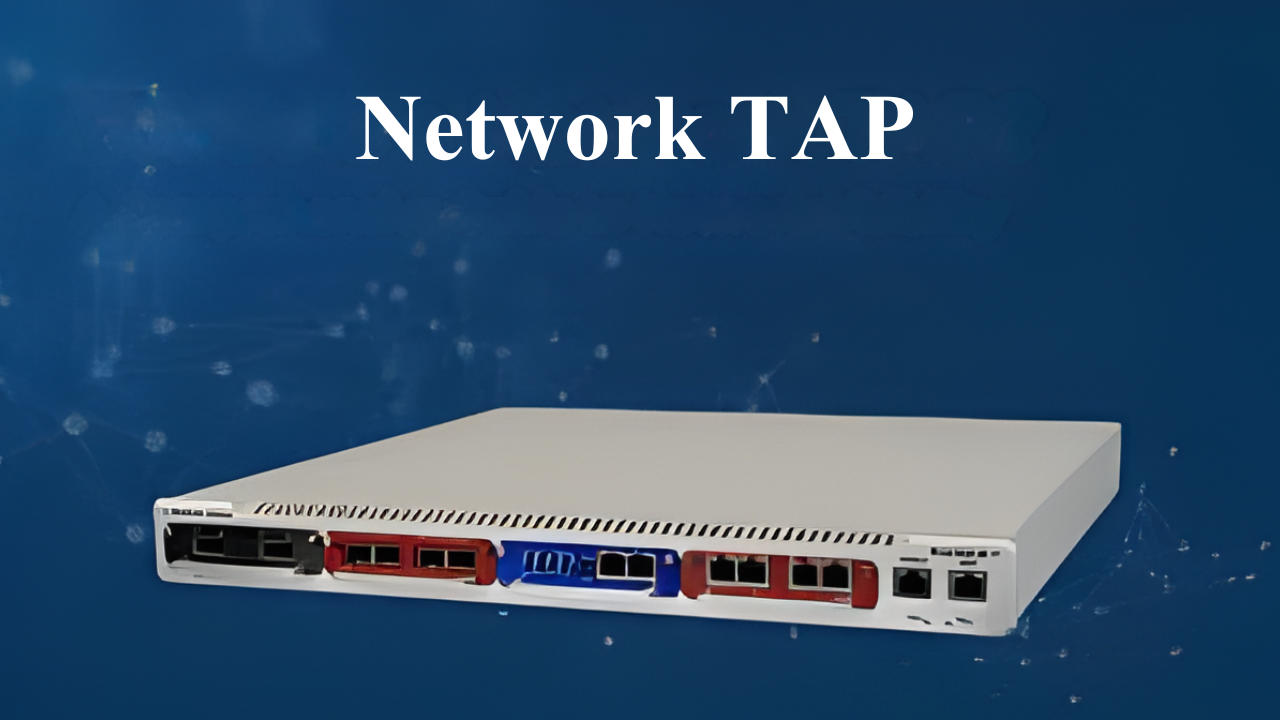
A Network Tap (Test Access Point) is a dedicated hardware device that is plugged in directly to a network link to create a copy of the data flow.
Unlike software based solutions such as SPAN, a network tap is operational at the physical layer, allowing for identical, real-time replicas of all layers of traffic.
Key Benefits
- Data Fidelity: A replica of every single packet is created, which is critical for root cause analysis and security forensics.
- Non-intrusive: Because the tap is a dedicated hardware device, it does not require processing load of other network devices or an IP address, making it invisible to hackers, and limiting packet loss on the link.
- Zero Downtime: Taps will not introduce additional latency or become a point of failure within the network.
How Does a Network Tap Work?
The Network Tap is installed in-line between two network devices (example is between a router and firewall)
1. Network Ports (In-Line): The tap has two primary ports that connect to the monitored link, which allows for a continuous physical connection.
2. Signal Duplication: As network data passes through the tap, an integrated signal splitter (for passive taps) or a dedicated processing circuit (for active taps) creates an independent copy of the traffic stream.
3. Monitoring Ports (Out-of-Band): The tap then sends the duplicated data to one or more dedicated Monitoring Ports.
4. Analysis: These Monitoring Ports connect to your monitoring and security tools, such as:
- Intrusion Detection/Prevention Systems (IDS/IPS).
- Network Performance and Application Performance Management tools.
- Data Loss Prevention systems.
- Packet Brokers or Network Recorders for forensics.
This architecture keeps the live data stream separate from the duplicated traffic, providing an undiluted view of the traffic for deep packet inspection and analysis.
Why is a Network Tap Important?
Networks send huge amounts of data every second. Without a way to watch this data, you may miss problems or dangers hiding in the traffic.
A network tap gives you full visibility. It shows all the data coming in and going out. This helps you find bad things like hackers trying to sneak into your network or broken devices causing trouble.
With a tap, you fix problems faster. If your network is slow or acting strange, the tap shows you the exact place where things are going wrong. You don’t have to guess or waste time.
So in simple words, network taps help you protect your network and save time fixing it. That’s why they are so important.
Key Components
Let’s look at what makes up a network tap. Each piece plays a special role:
- Network Ports: These plug into the devices you want to watch. For example, one connects to your router and the other to your switch. Data flows through these ports.
- Monitoring Port: This sends the copied data to your security or monitoring tool. This is where you watch the network data.
- Signal Splitter: This part copies the data exactly as it moves through the network. It makes sure the original data keeps moving without delay or change.
- Power Supply: Some network taps need power to work. Passive taps don’t use power. Active taps do, especially if they send data to multiple monitoring devices.
These parts work together to give you a real-time and perfect copy of your network data.
Different Types of Network Taps
Choosing the correct tap is crucial for maximizing your monitoring investment. Different Types of Network Taps offered by Splitpoint Solutions are designed for specific network requirements.
- Passive Taps: Uses fiber or copper to copy the signal. This requires no power and is highly reliable.
- Active Taps: They use power to boost the signal, and often include more advanced features like aggregation and filtering.
- Aggregation Taps: These combine data going both ways (A to B and B to A) onto a single monitoring port.
Superiority of TAPs to SPAN?
| Feature | Network Tap | Switch SPAN Port |
| Packet Integrity | 100% Data Fidelity | Is Prone to Data Loss (Drops corrupted packets, and it can drop legitimate packets under load). |
| Impact on Network | Zero Latency/Jitter | Resource Drain (Uses switch CPU/ASIC resources) |
| Over-Subscription | Guaranteed Bandwidth (Dedicated ports, can aggregate). | High Risk (Monitoring port capacity can be easily exceeded, leading to packet drops). |
| Security/Forensics | Truly Complete Data (Essential for compliance/audit). | Incomplete/Filtered Data (Unreliable for security forensics). |
Key Considerations When Choosing a Network Tap
- Network Media and Speed: You need to know whether your link uses Copper or Fiber Optic cables. The Taps must match the physical media and support the line speed.
- Monitoring Tool Requirements: How many monitoring tools need the duplicate traffic? Do they require Aggregation (both directions on one cable) or do they prefer Breakout (A-to-B and B-to-A on separate cables)?
- Resilience (Passive vs. Active): For links that cannot tolerate power-related failure, a Passive Tap is the definitive choice. For links that require advanced features and can tolerate power redundancy, an Active Tap is appropriate.
Conclusion
If you are looking for a solution that allows you to analyse and troubleshoot network and application performance issues, meet stringent regulatory compliance requirements, and provide robust security forensic capabilities, you require complete, unfiltered network visibility.
Network Taps are the gold standard for providing the reliable data foundation that other software-based solutions cannot guarantee.
Do you want to eliminate blind spots and improve your monitoring and security teams? Splitpoint Solutions offers a robust suite of high-performance Fiber and Copper Taps designed to scale with your enterprise network demands.
Common Questions You Might Have
1. What is the main difference between a Network Tap and SPAN?
A Network Tap is a dedicated piece of hardware that guarantees a full, non-intrusive duplicate of all traffic and errors. SPAN is software running on a switch that is prone to packet loss, drops error packets, and consumes switch CPU resources.
2. Will a Network Tap introduce latency or slow down my network?
No. A properly installed hardware, Network Tap, operates at the physical layer to non-intrusively copy the data stream
3. Can one Network Tap feed data to multiple security tools?
Yes. An Active Tap with regeneration capabilities can duplicate the traffic to multiple Monitoring Ports, allowing you to simultaneously feed the same data to an Intrusion Detection System, and Network Performance Monitoring tool.